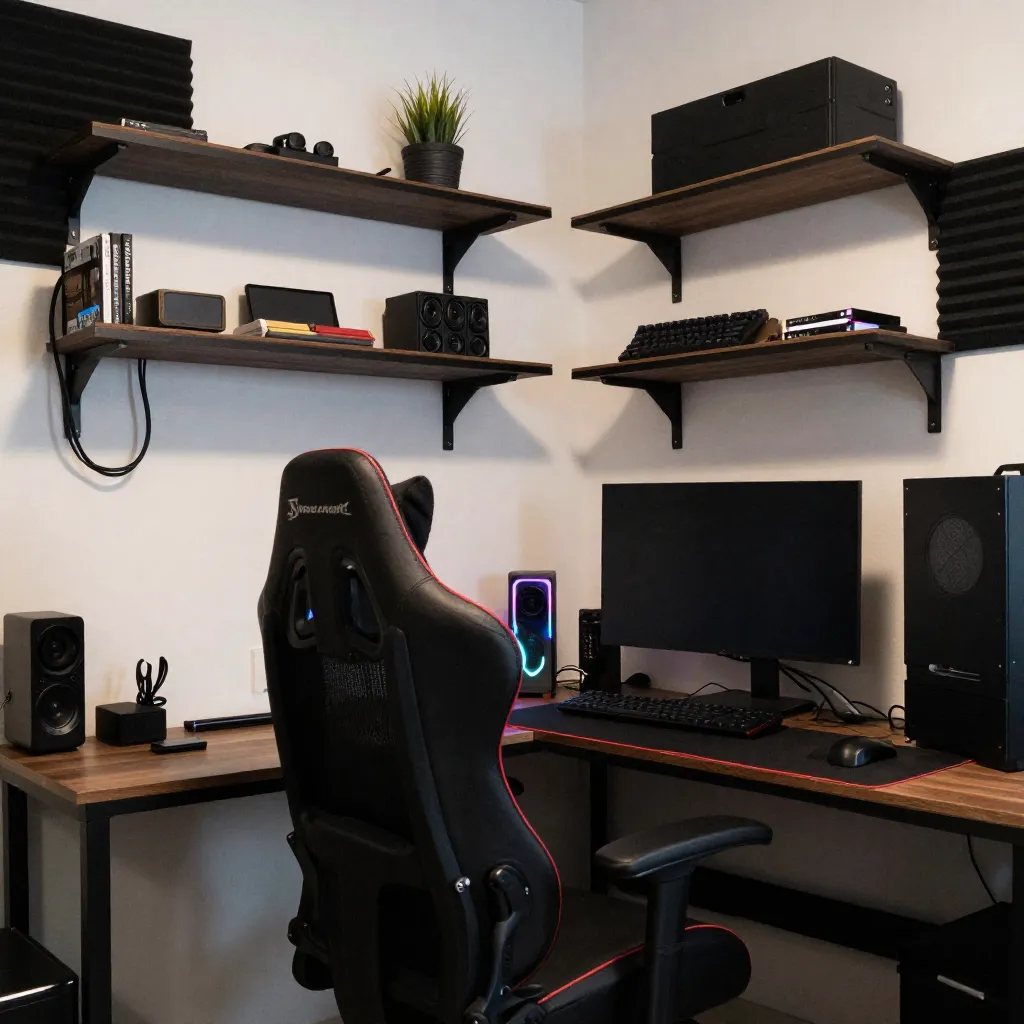
Interactive Selection Process
Use the terminal to configure your space parameters and generate layout concepts based on your inputs.
Focus Level Selection
Specify the primary cognitive state for your space. Options range from high-precision tasks requiring sustained attention to exploratory creative work.
Each focus level corresponds to specific environmental parameters: lighting levels, acoustic characteristics, and spatial organization patterns.
The terminal interprets your selection and suggests module types that align with your stated requirements.
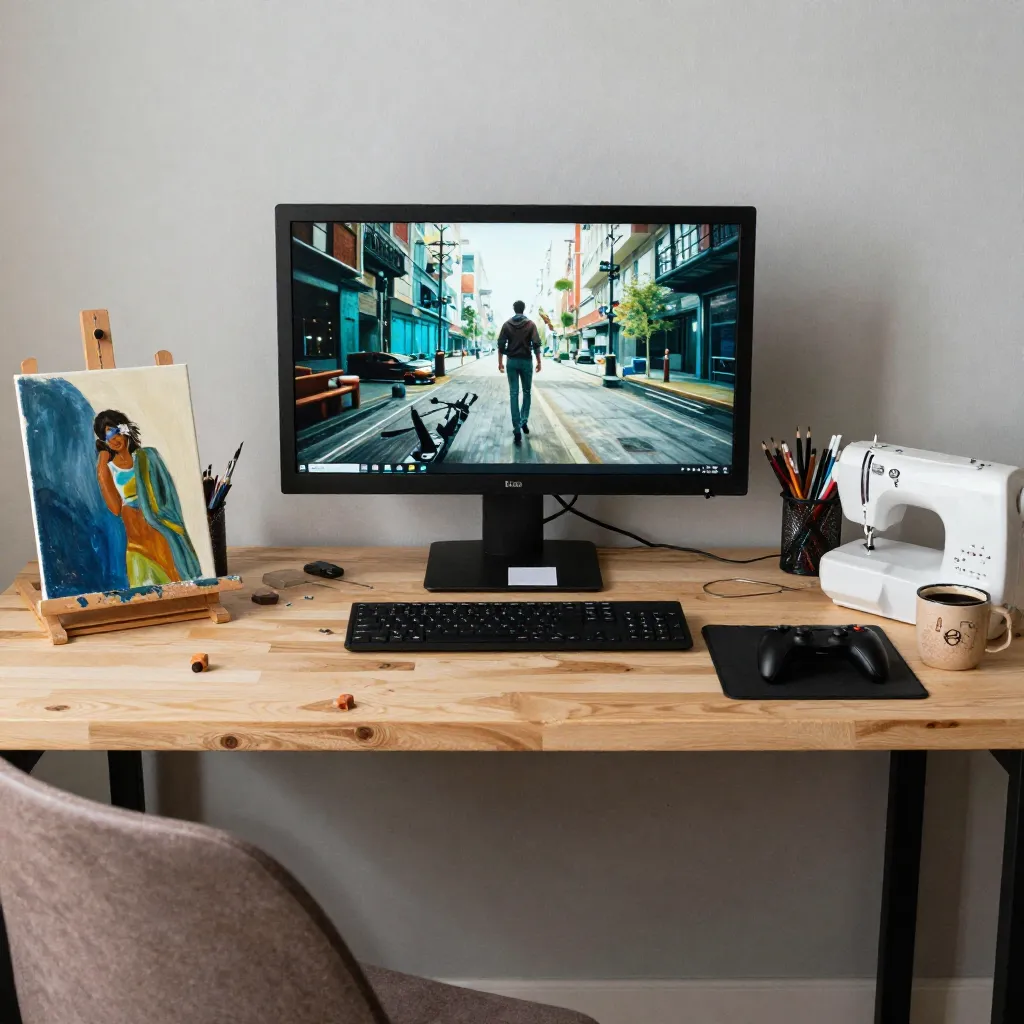
Equipment Loadout Configuration
Define the equipment and tools that will occupy your space. This information shapes storage, power, and spatial requirements.
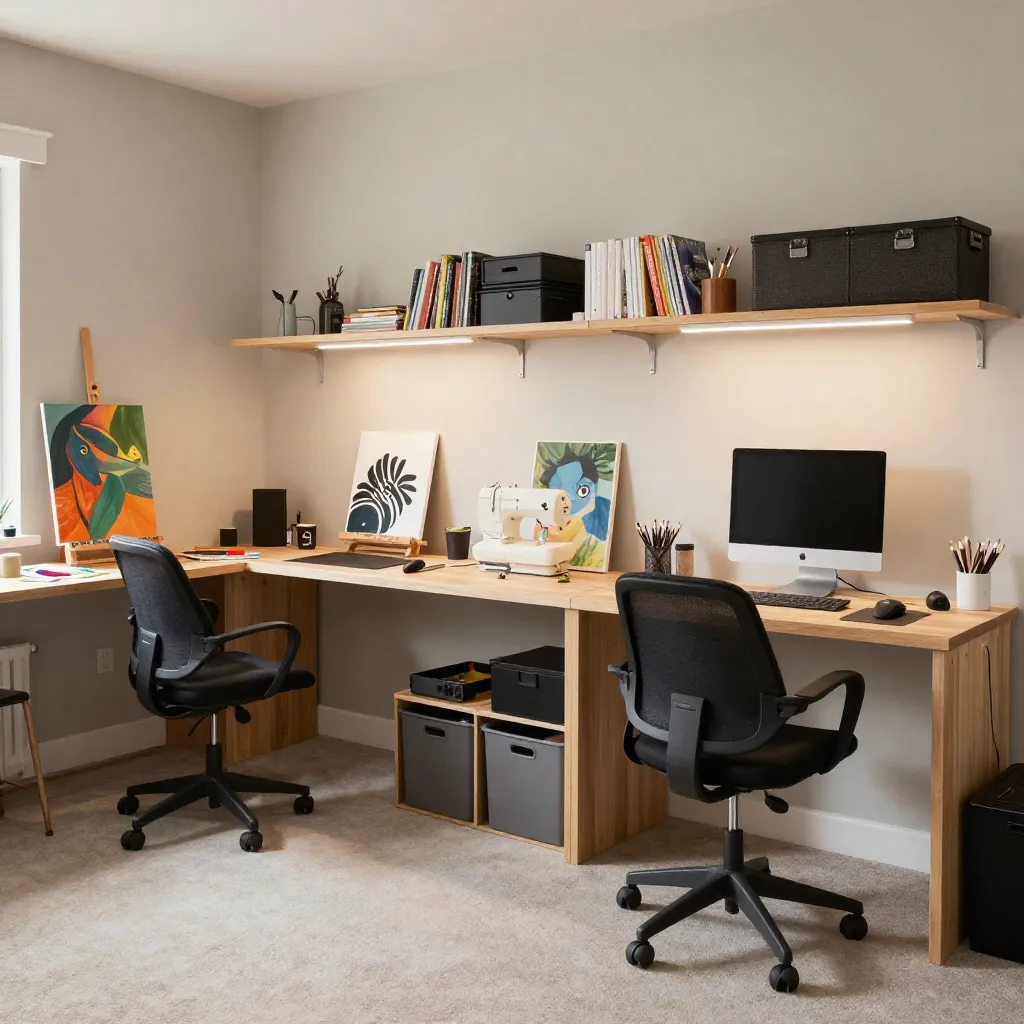
Primary Equipment
List main devices and work surfaces. Dimensions, power requirements, and usage patterns inform placement decisions and infrastructure needs.
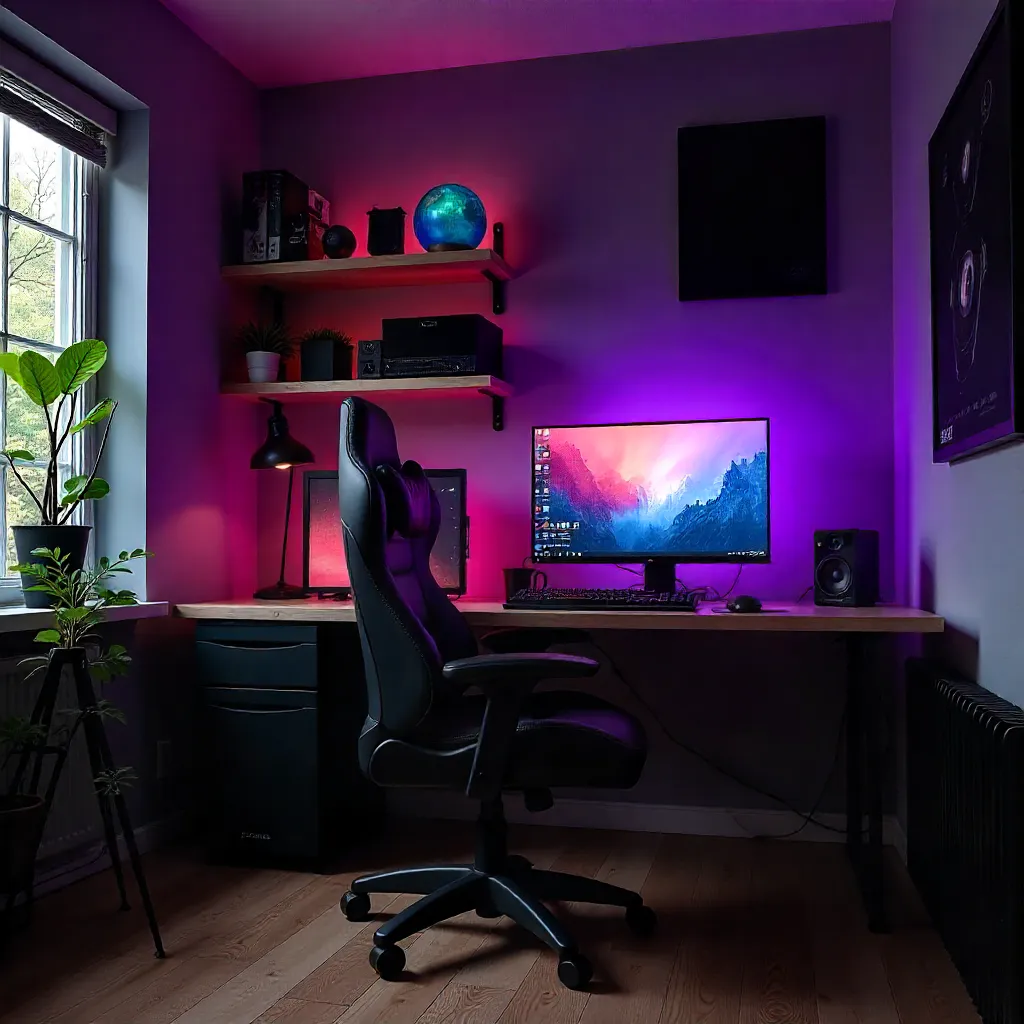
Secondary Tools
Accessories and supporting equipment. These items inform storage system design and organization requirements throughout the space.

Material Storage
Supplies and materials require appropriate storage solutions. Consider access frequency, preservation needs, and inventory size.
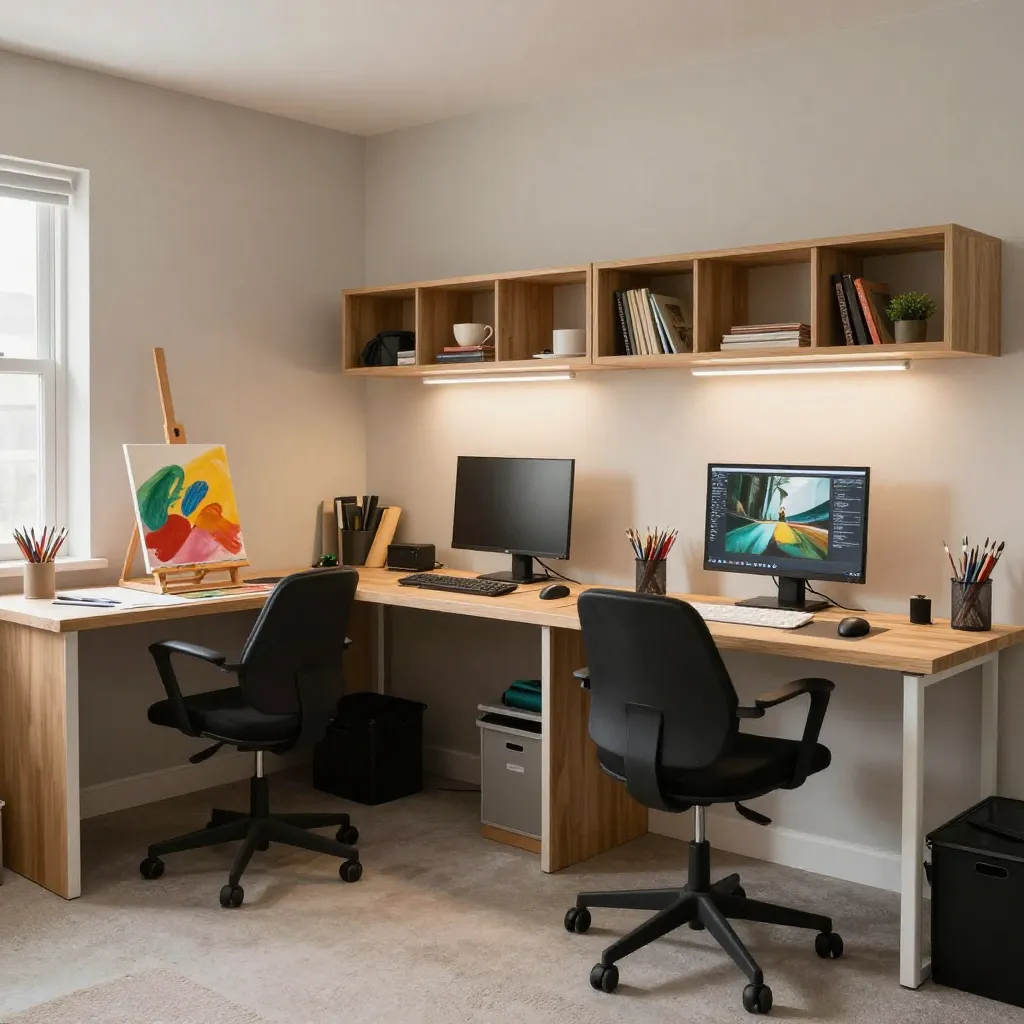
Terminal Workflow
Follow these steps to configure your space through the terminal interface.

Configuration Sequence
Step 1: Select focus level from available options. This determines base environmental parameters.
Step 2: Define equipment loadout. List all items that will occupy the space, including dimensions where relevant.
Step 3: Specify spatial constraints. Room dimensions, window placement, and structural limitations.
Step 4: Review generated layout concepts. Compare options and identify preferred arrangements.
Step 5: Request detailed consultation to refine concepts into implementation-ready designs.
Begin Configuration
Use the terminal interface to start configuring your space, or contact us for personalized assistance.
For interactive terminal access or detailed consultation, contact our team to discuss your requirements.
Contact for Terminal Access